No products in the cart.
Return To Shop
Sign in
Login
Register

0
Cart
€0.00
0
No products in the cart.
Return To Shop
Shopping cart (0)
Subtotal: €0.00
Instant Key delivery
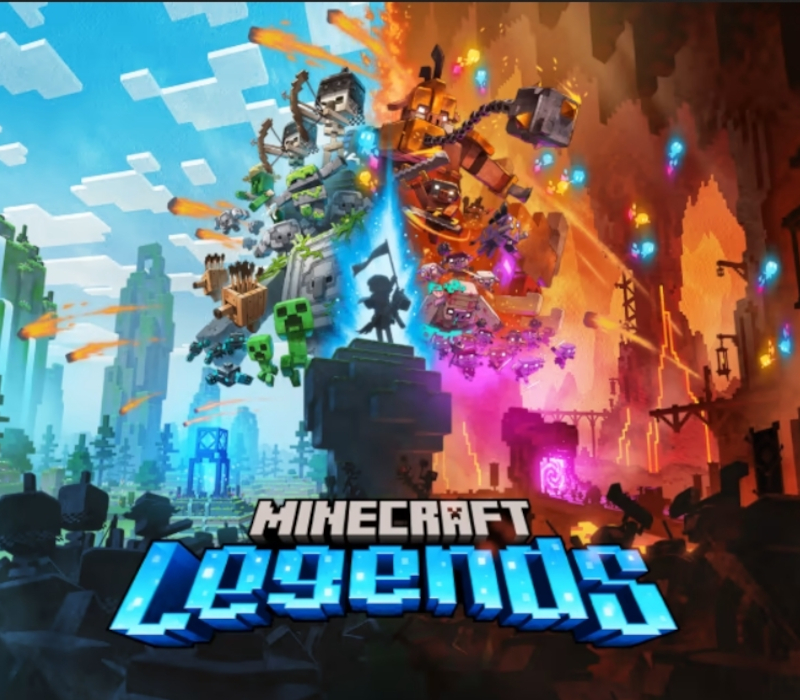
To enjoy the game with your group of friends we recommend a server hosting packet. The piglins’ Nether corruption is spreading across the Overworld, scorching everything it touches. Are you the hero who will protect this gentle land? Plan your strategy and face the piglins in epic battles – but be warned: they always fight back. Take on piglin bases by day and defend your allies after dusk. Explore lush biomes filled with treasures and perils, meet new friends, and reunite with familiar mobs. With the allays by your side, all that’s left to do is save the world. Experience an epic legend from the Minecraft universe and the Overworld as you’ve never seen it before Form alliances with new friends and familiar mobs, then lead the charge in epic battles against the fierce piglins to defend the Overworld Traverse a lush, dynamic world that’s rich in resources and different in each playthrough Challenge your friends or team up in intense battles as you defend your village while leading your units to destroy your opponents’ settlements
Related
| Developers | |
|---|---|
| Publishers | |
| Genres | |
| Platform | |
| Languages | |
| Release date | 2023-04-18 |
| Age rating | PEGI 7 |
| Metacritic score | 68 |
| Regional limitations | 4 |
Windows
Minimum: Requires a 64-bit processor and operating system OS: Windows 10 (November 2019 Update or higher), 8 or 7 (64-bit with the latest updates; some functionality not supported on Windows 7 and 8) Processor: Core i5 2.8GHz or equivalent Memory: 8 GB RAM Graphics: NVIDIA GeForce GTX 660 or AMD Radeon HD 7870 or equivalent DX11 GPU DirectX: Version 11 Storage: 8 GB available space Additional Notes: Performance increases with higher-end systems. Not supported on Windows 10S.
IN THE XBOX APP ON WINDOWS Press the Start button, and then enter Xbox into the search bar. Choose the Xbox app from the results to open the app. Select your gamerpic, and then select Settings. Select Redeem under Redeem a code. Enter the 25-character code, select Next, and then follow the prompts. IN THE MICROSOFT STORE ON WINDOWS Press the Start button, and then enter store into the search bar. Choose Microsoft Store from the results to open the app. Select your account in the top-right corner of the screen, and then select Redeem code or gift cards. Enter the 25-character code, select Next, and then follow the prompts. FROM A PC OR MOBILE WEB BROWSER Follow this link, enter the 25-character code, select Next, and then follow the prompts.
Related products
21 in stock

1 in stock


2 in stock


8 in stock
2 in stock
17 in stock

This website uses cookies to improve your experience.
By using this website you agree to our Privacy Policy.
More detailsAccept & Continue